SCM Repacking Request
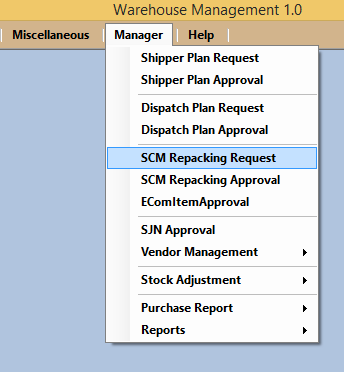
Manager will make the SCM Repacking Request, For thet goto manager and Select SCM Repacking Request as shown in picture below.
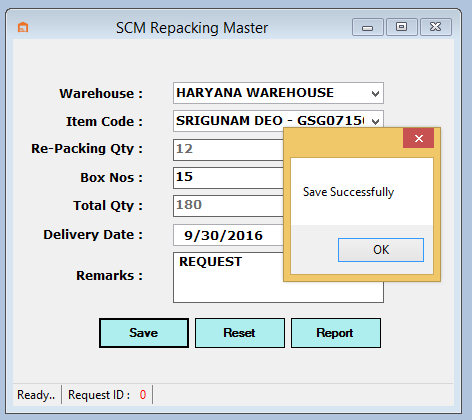
Now Select the warehouse ,item code repacking quantity will be automatically filled corresponding to the item name, now enter the box number,total quantity date of delivery and remarks , now click on Save button as shown in picture below.
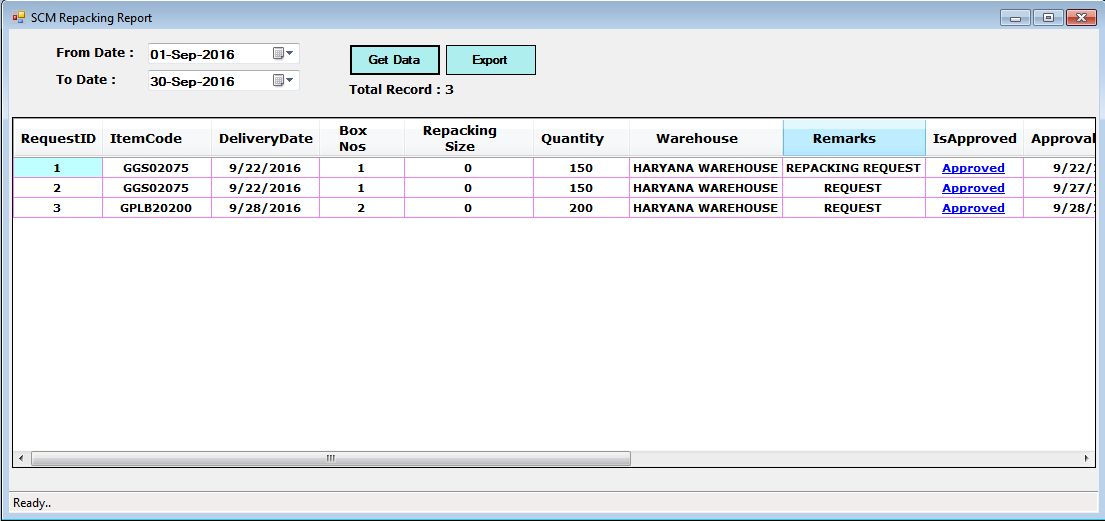
User has option to see the report of the SCM Repacking Request clicking on report button on the same form as shown in picture below.